- Home
- Backup
Portable by design
Backup
Export, import, and unattended backups — so a machine move is a file copy, not a rebuild.
What it does
- Export scopes
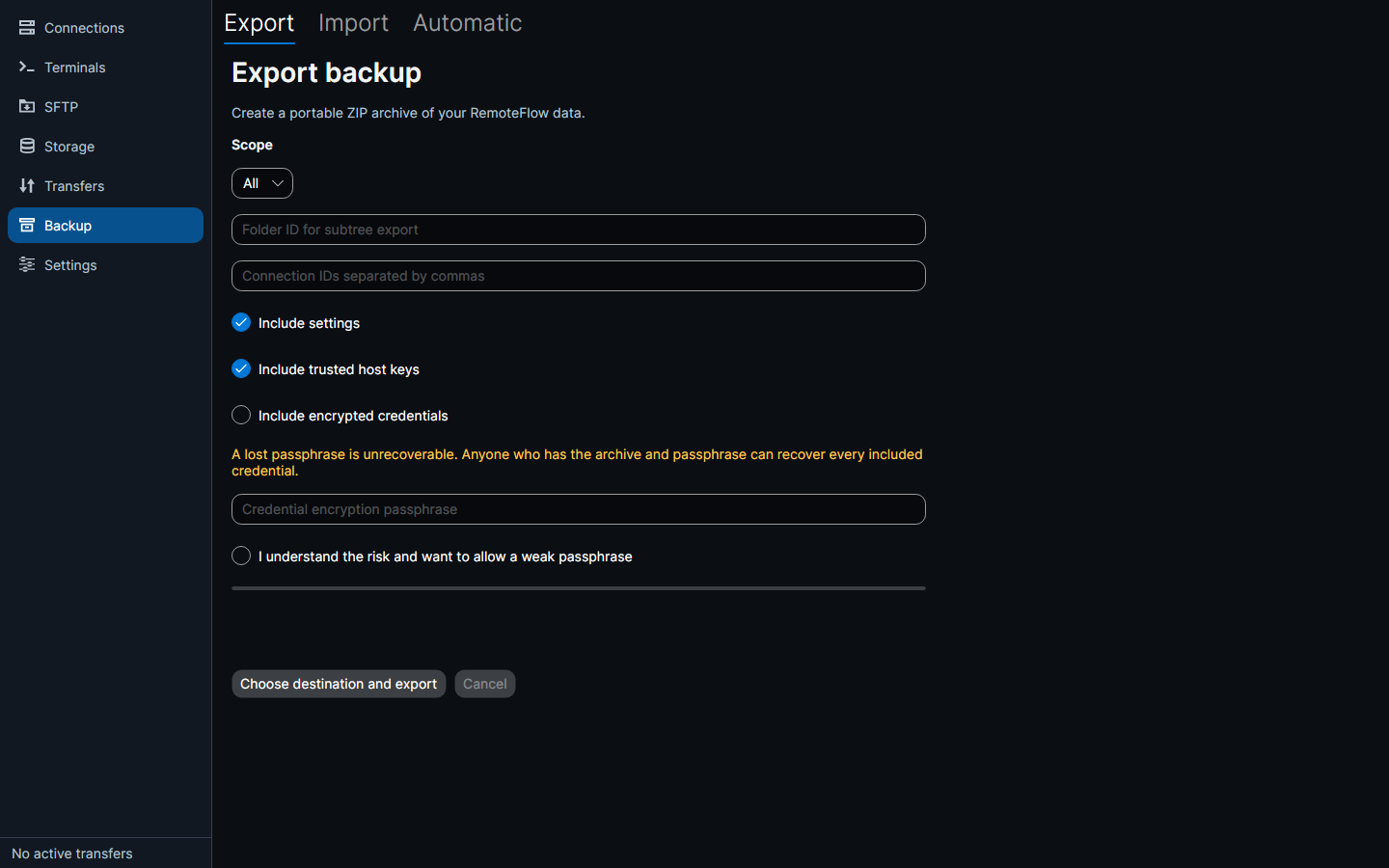
Connections, folders, tags, settings and trusted host keys to a portable ZIP — everything, a folder subtree, or a list of connections, with settings and trusted host keys optional.
- Credentials, encrypted
Optionally included, encrypted into a separate
credentials.encentry under a passphrase you supply. Every other entry in the archive is plaintext. The interface warns that a lost passphrase is unrecoverable. - Import with a preview
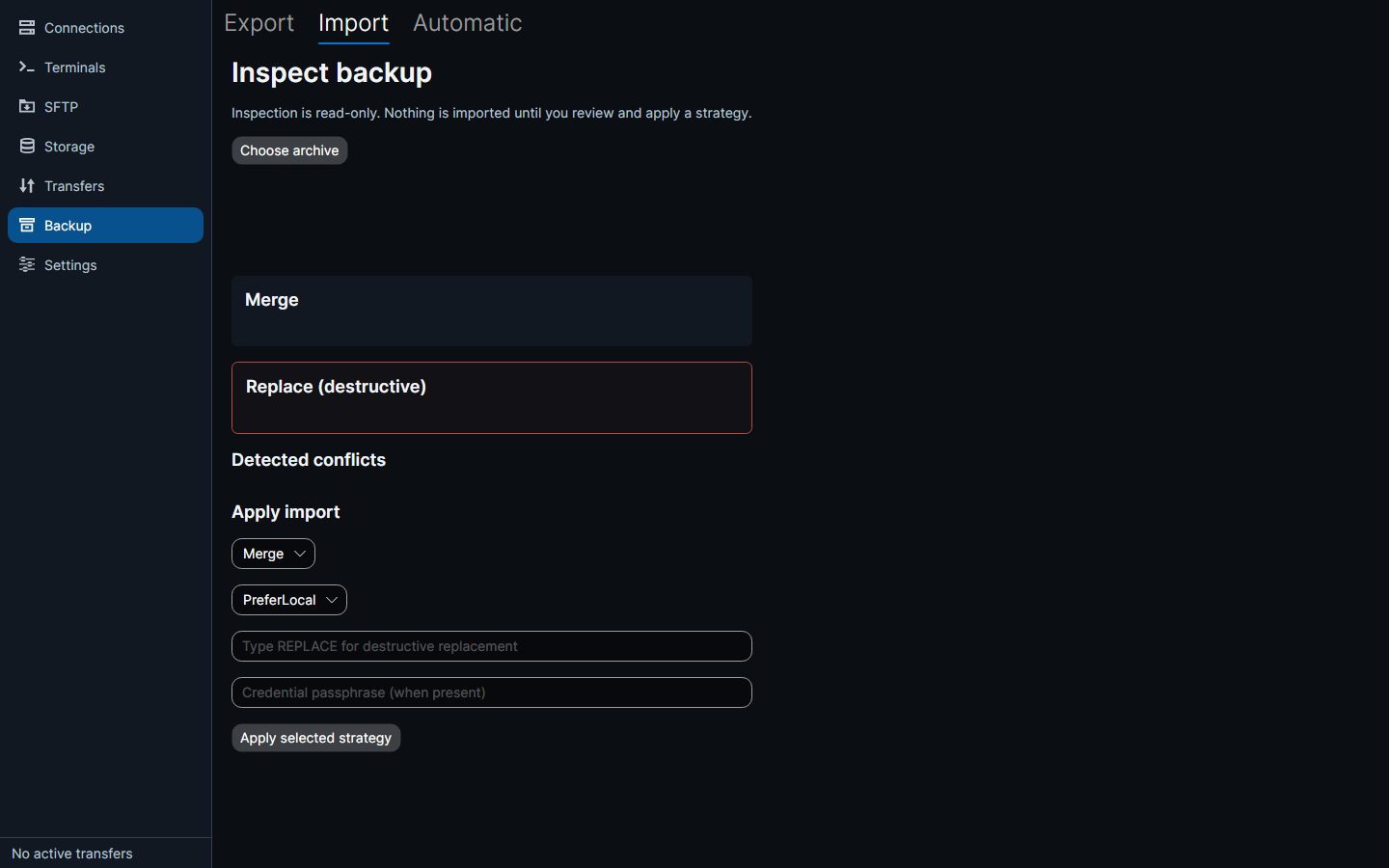
A preview of what will change, a choice of merge or replace, and a conflict policy: prefer local, prefer imported, or rename the imported one.
- A frozen format
The format is documented and frozen (v1), so an archive stays readable.
- Automatic backups
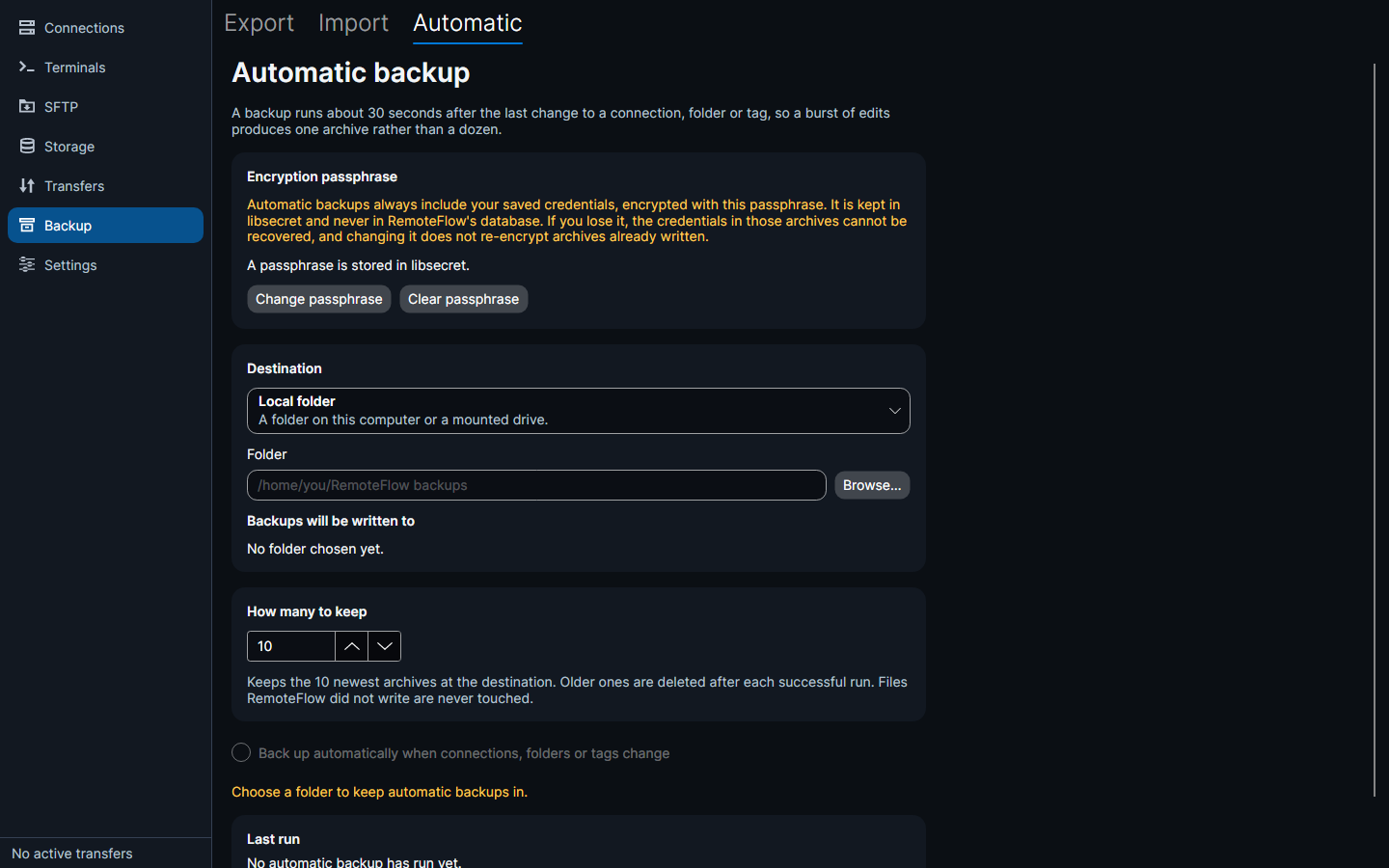
Switch them on and every change to a connection, folder or tag writes a fresh archive about thirty seconds after you stop editing — so a rename, a retag and a move produce one backup rather than three.
- Real destinations
Backups go to a folder on this computer, or to an SFTP connection or storage account you have already saved — configured once, in the same list as everything else.
- Retention
Choose how many to keep; older ones are removed after each successful run, and files RemoteFlow did not write are never touched.
- Honest failure handling
The page reports the last run — when, where to, and what went wrong. A failed upload never interrupts you; it waits and retries at the next change and the next launch.
Export and import
Automatic backups