- Home
- SFTP
File transfer
SFTP
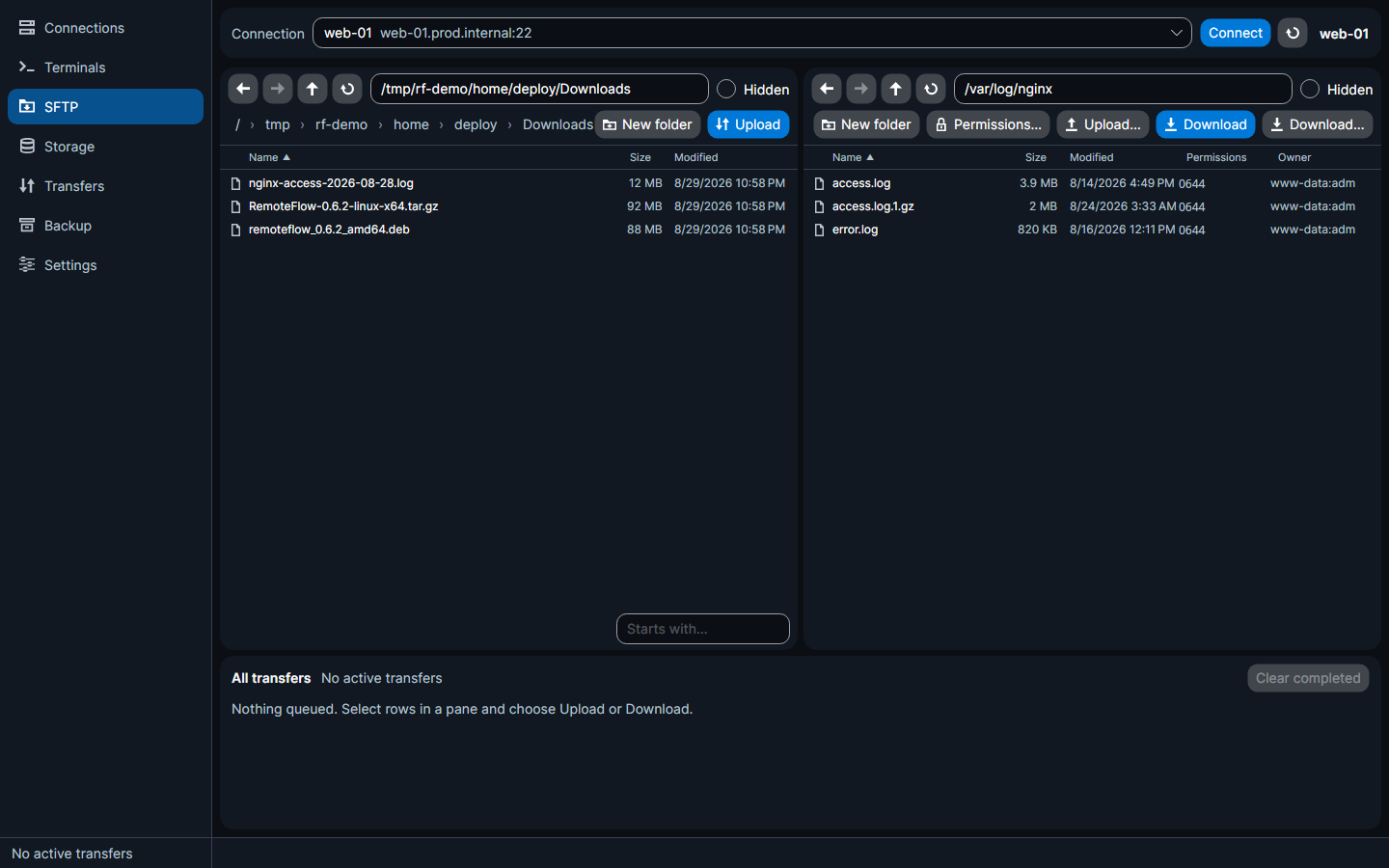
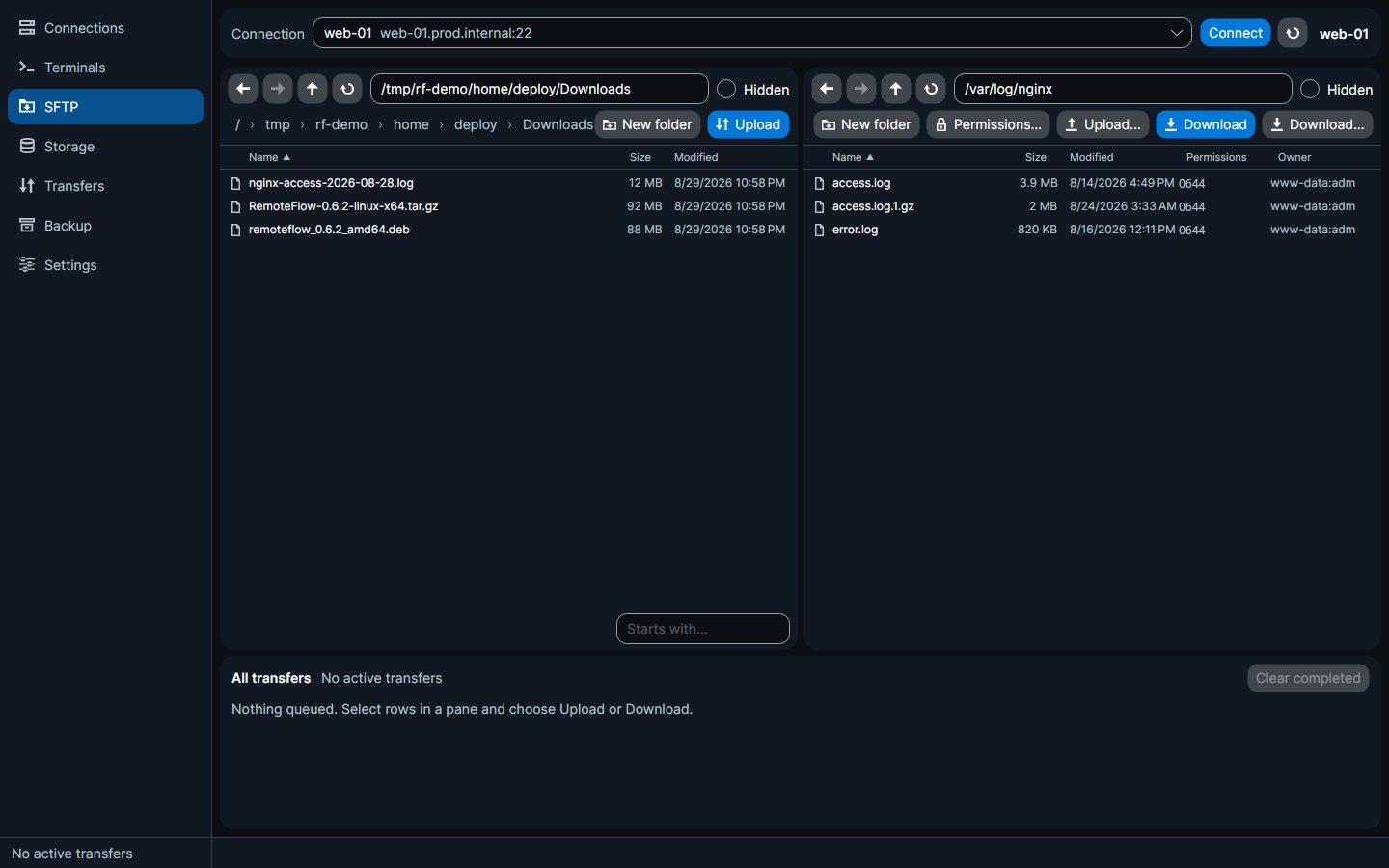
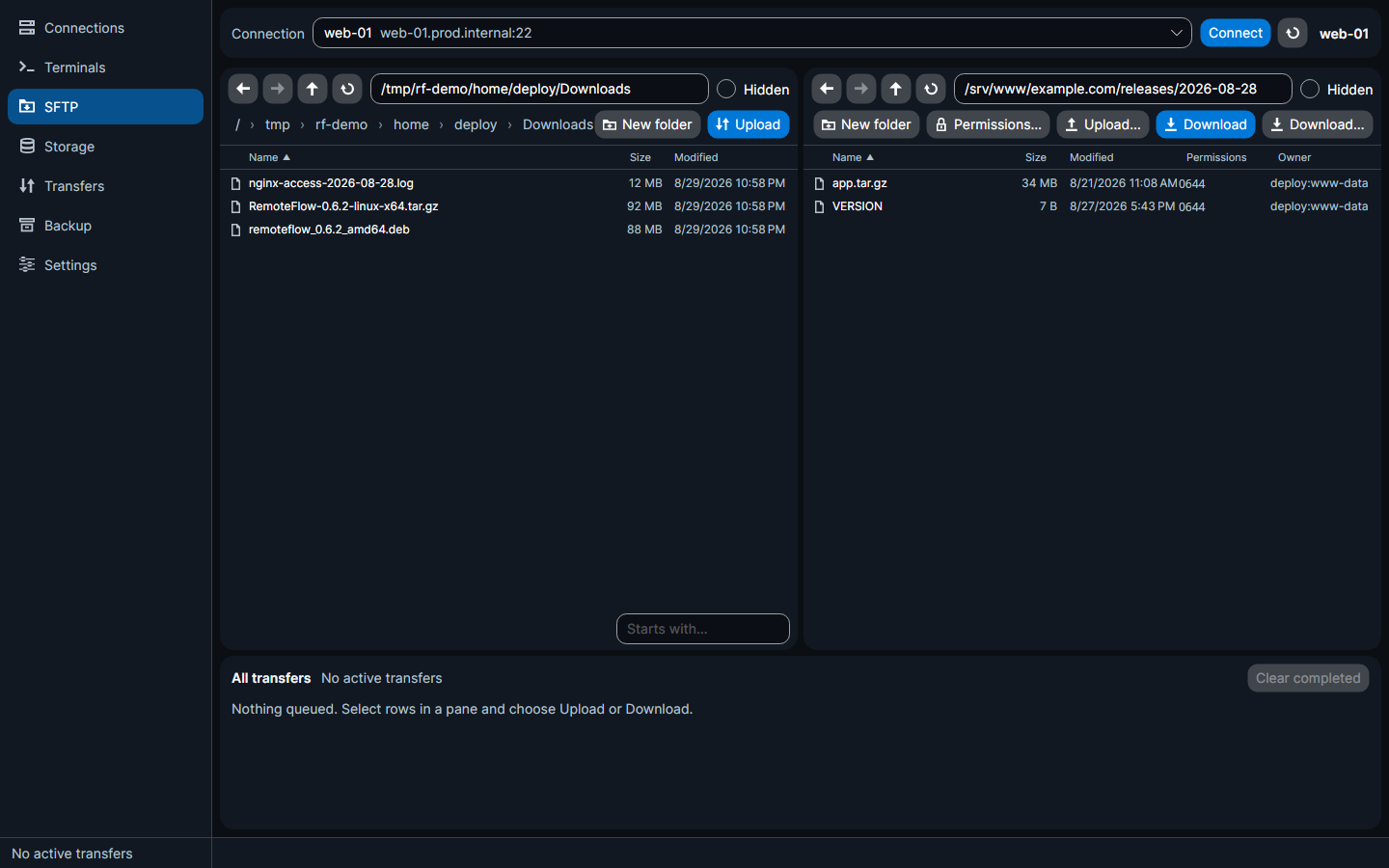
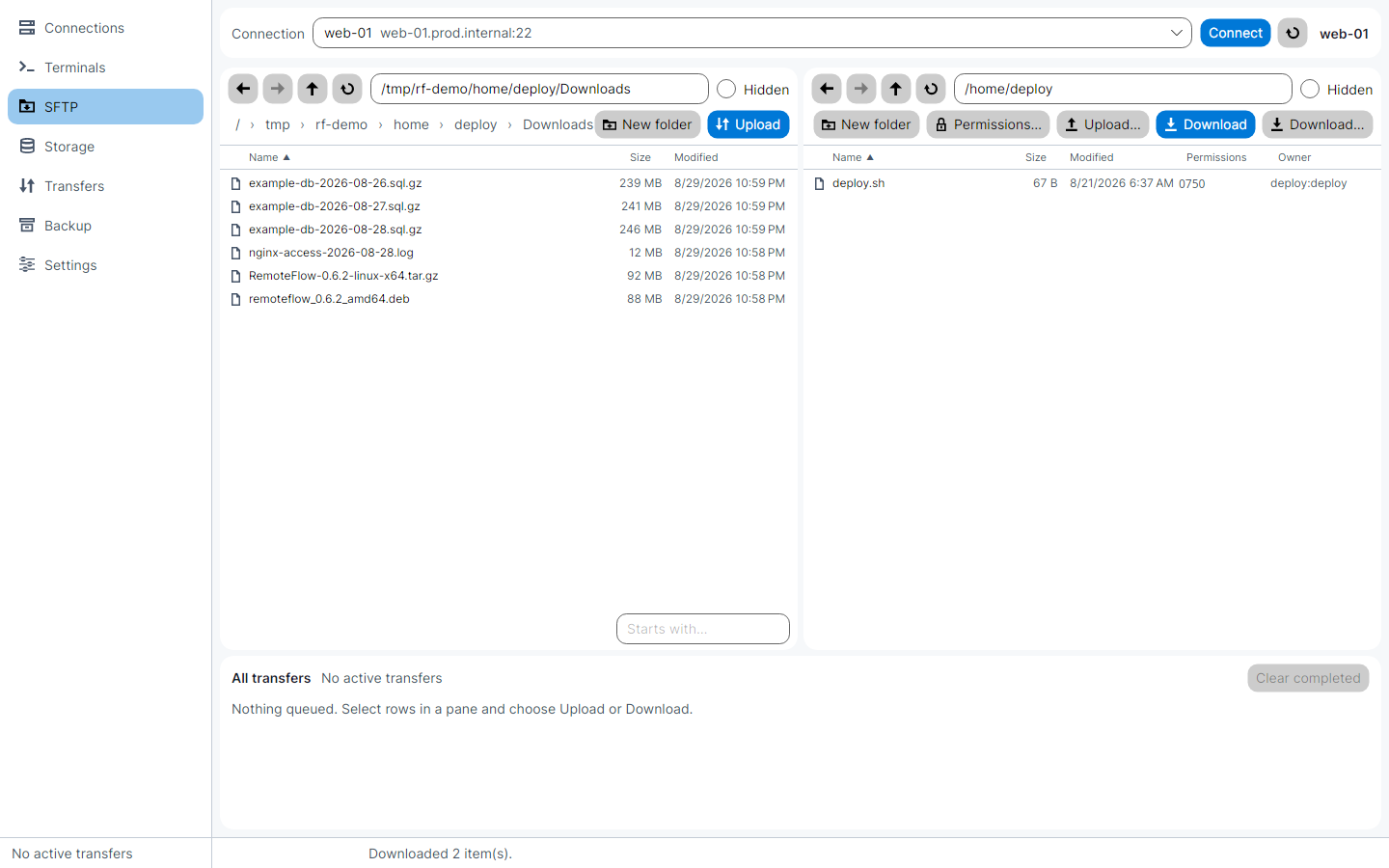
A dual-pane file browser over SSH, with a transfer queue — your computer on the left, the server on the right.
What it does
- Two panes and a queue
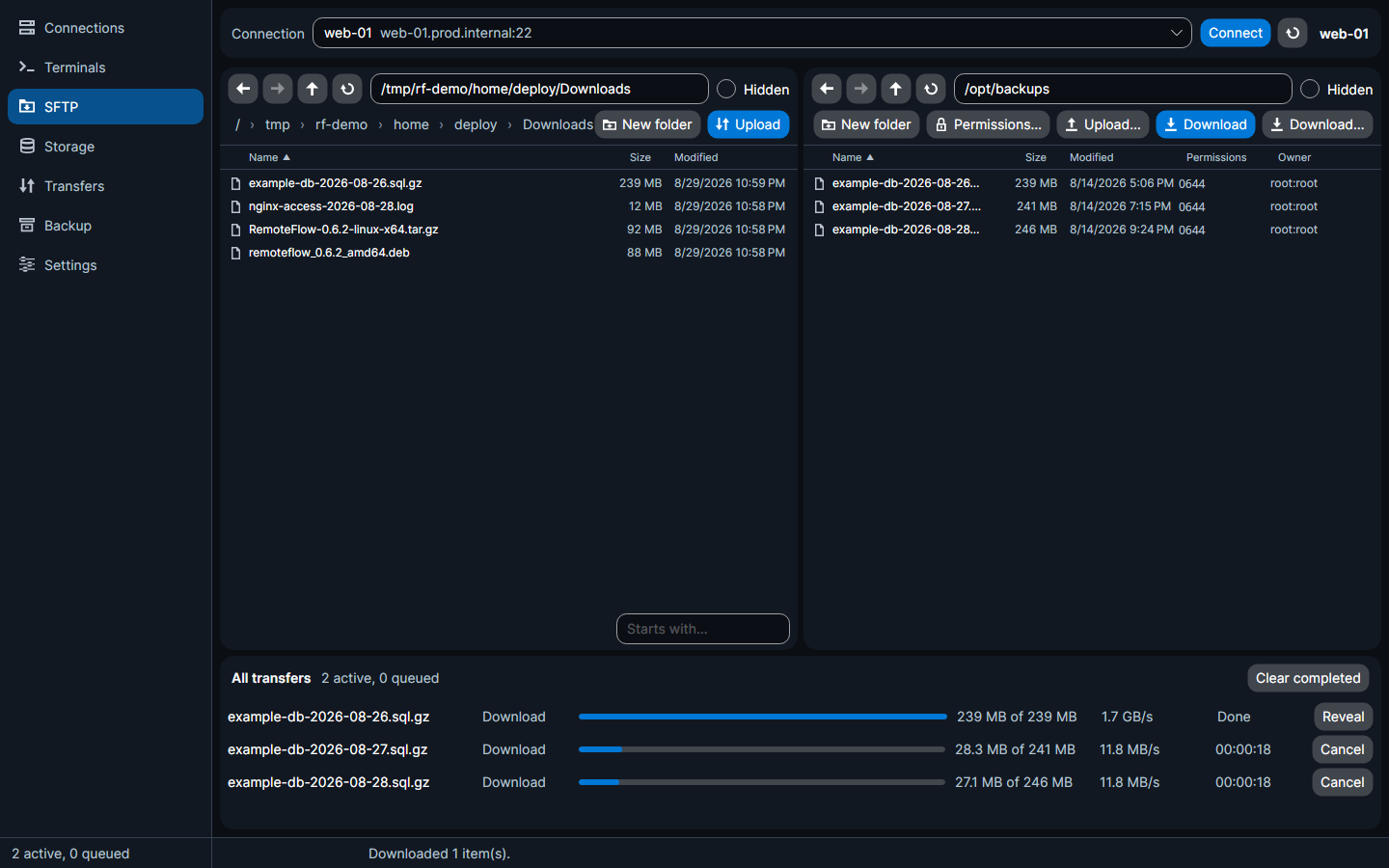
Local files on the left, the server on the right, with a transfer queue along the bottom. Pick a connection from the picker at the top, or arrive here from a connection's Open SFTP action.
- Full file operations
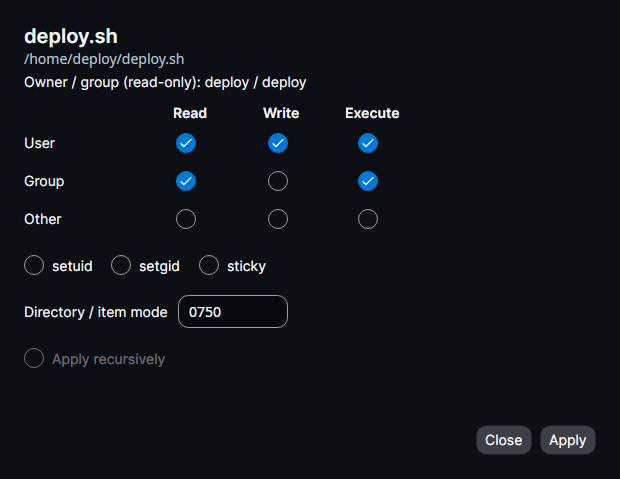
Browse, upload, download, rename, delete, create folders, and change permissions where the server allows it — a full permission editor with user/group/other read-write-execute, setuid/setgid/sticky, an octal box, and recursive apply.
- Real remote metadata
Size, modified time, octal permissions and
owner:groupper row. - Navigation that behaves like a browser
Back/forward history, up, a breadcrumb bar, an editable path box, refresh, a hidden-files toggle, sortable columns and type-ahead.
- Drag and drop everywhere
Between the panes, and out to and in from the desktop.
- Compact listings
24px rows and smaller type on the local, remote and storage browsers alike — about a third more of a folder before you scroll.
- Remote editing
Open a remote file in your usual editor and RemoteFlow uploads it when you save — with a conflict dialog if the remote copy changed underneath you.
- Conflict handling
Overwrite / keep both / discard / cancel, per file or for the rest of the batch.
- Queued, not blocking
Transfers run in the queue you can watch here or on the Transfers page.
The workspace
A real permission editor
The two dual-pane pages have their own keymap — see the keyboard page.