- Home
- Remote desktop
Remote desktop
Remote desktop
Windows-only embedded tabs; an external client everywhere else. Stated plainly: embedded RDP tabs host the Microsoft RDP ActiveX control, so they exist on Windows only.
How it works per platform
- On Windows
Choose a live desktop inside RemoteFlow as an embedded tab, or open Remote Desktop Connection as a separate, isolated client. The external action stays available as a fallback, and the default is a setting. RDP connections open as tabs in the Terminals workspace.
- On Linux and macOS
RemoteFlow does not load the Windows component and keeps the external-client workflow, naming the native client to use when it cannot launch one directly.
- Per-connection options
Domain, resolution, full screen, multi-monitor, clipboard redirection and drive redirection.
- No password in
.rdpfilesNot even as the encrypted blob the format permits. A saved RDP password is handed to Windows for the seconds the client needs to start and taken straight back out; the generated
.rdplives in a per-launch folder that is deleted afterwards.
RDP as a first-class connection
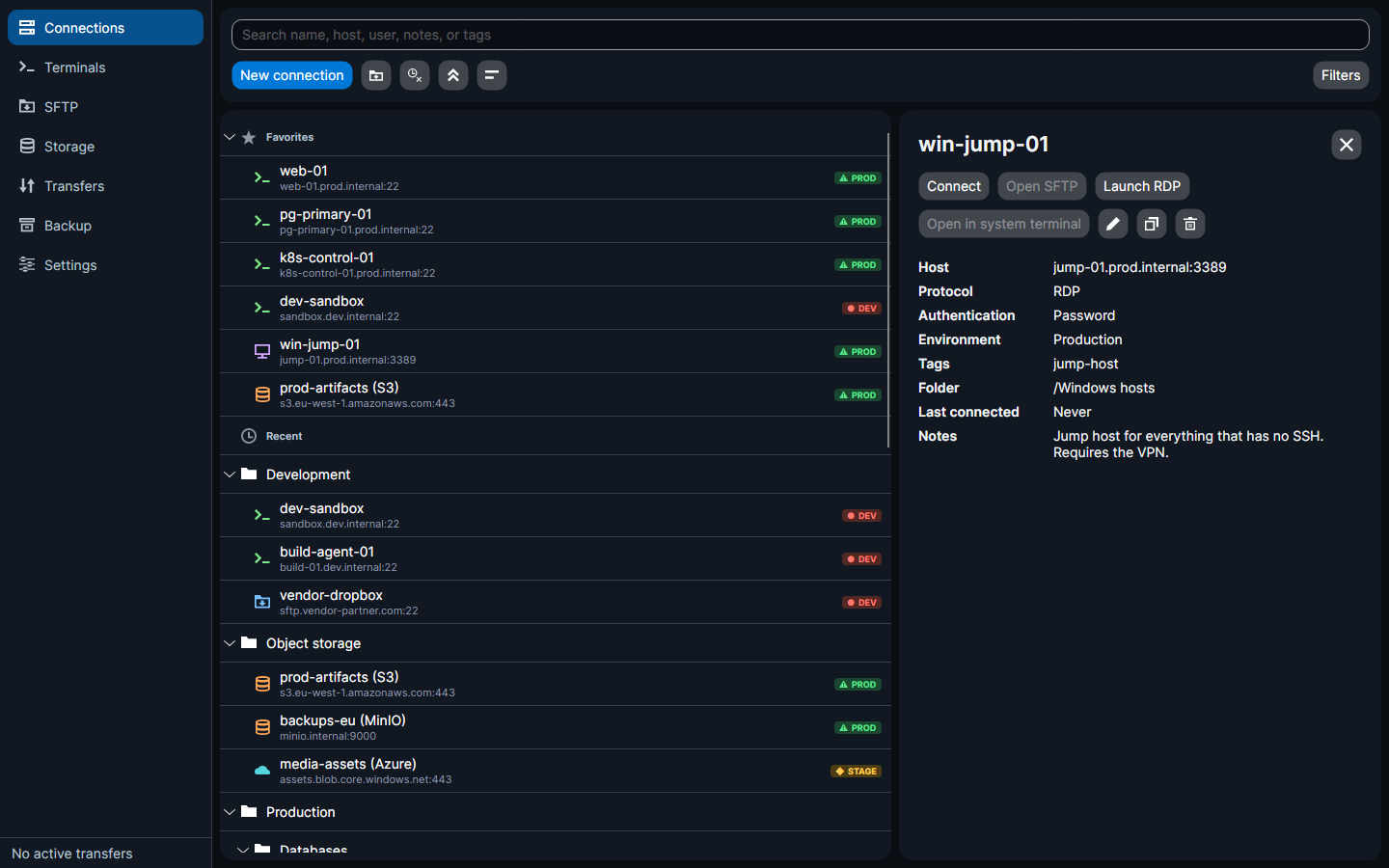
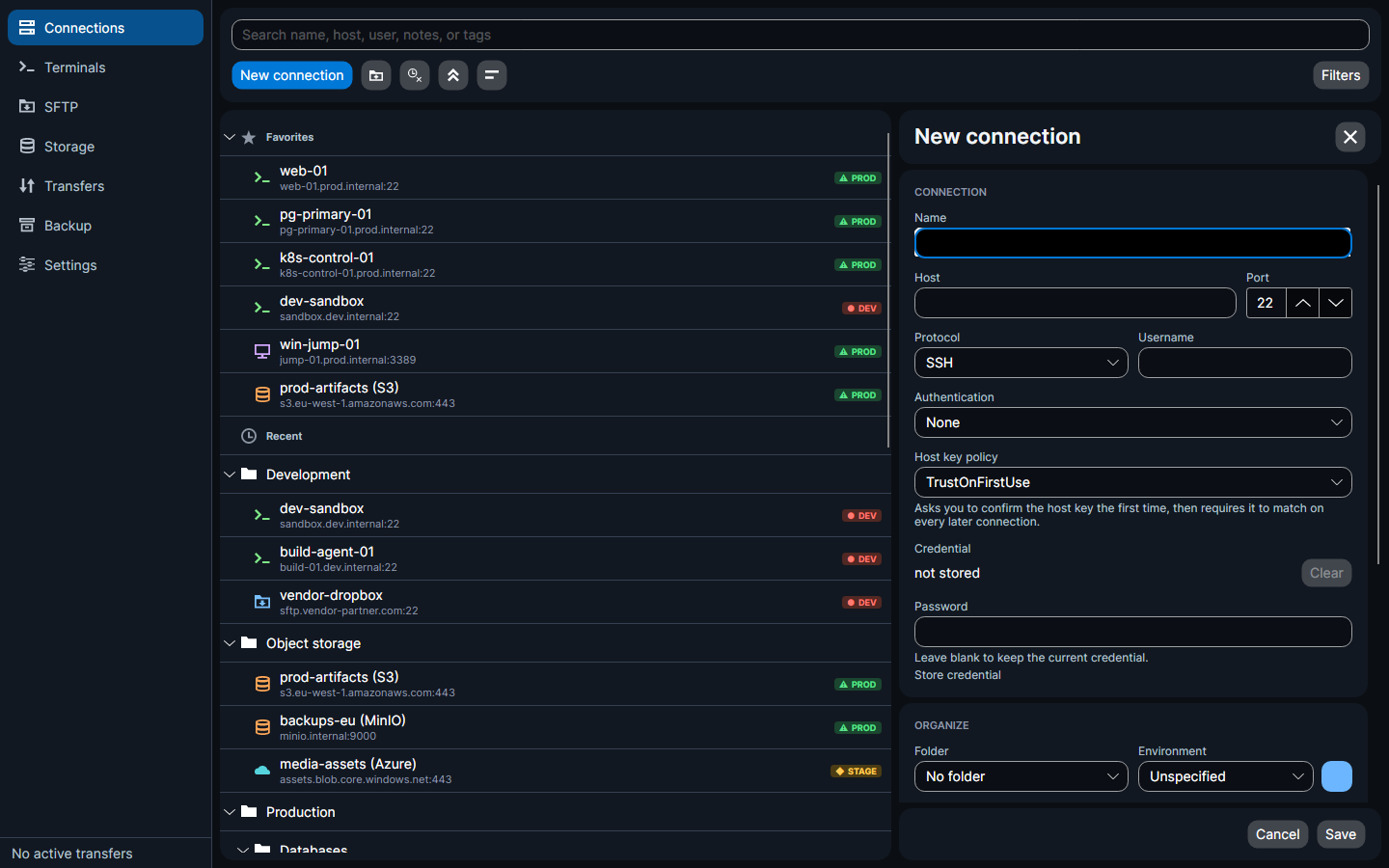
Set your preference on Windows
On Windows, RemoteFlow's settings include one Remote Desktop option: whether a connection opens as an embedded tab or in the external client by default. The external fallback stays one click away either way.