- Home
- Terminals
Terminal workspace
Terminals
Local and SSH sessions, as tabs or a grid — real terminal emulation over a real PTY, tested against vim, nano, tmux and htop.
What it does
- Real terminal emulation over a real PTY
RemoteFlow does not implement a terminal emulator; it drives XTerm.NET over a genuine pseudo-terminal, with UTF-8, full ANSI/256-colour, bracketed paste and correct resize behaviour.
- Local and SSH sessions in the same tab strip
A tab carries the connection's environment chip (
PROD!,STG,DEV,LOCAL), its protocol (SSH/TERM), its title and its live state (Connecting / Connected / Disconnected / Failed), and takes the environment's accent colour along its bottom edge — so a production shell never looks like a scratch one. - Tabs or a grid
Switch the workspace to a tiled grid of 1–6 columns and watch several hosts at once; the layout choice is remembered.
- Find in scrollback
Case-sensitive and regular-expression options, with a live match count.
- Configurable to your hands
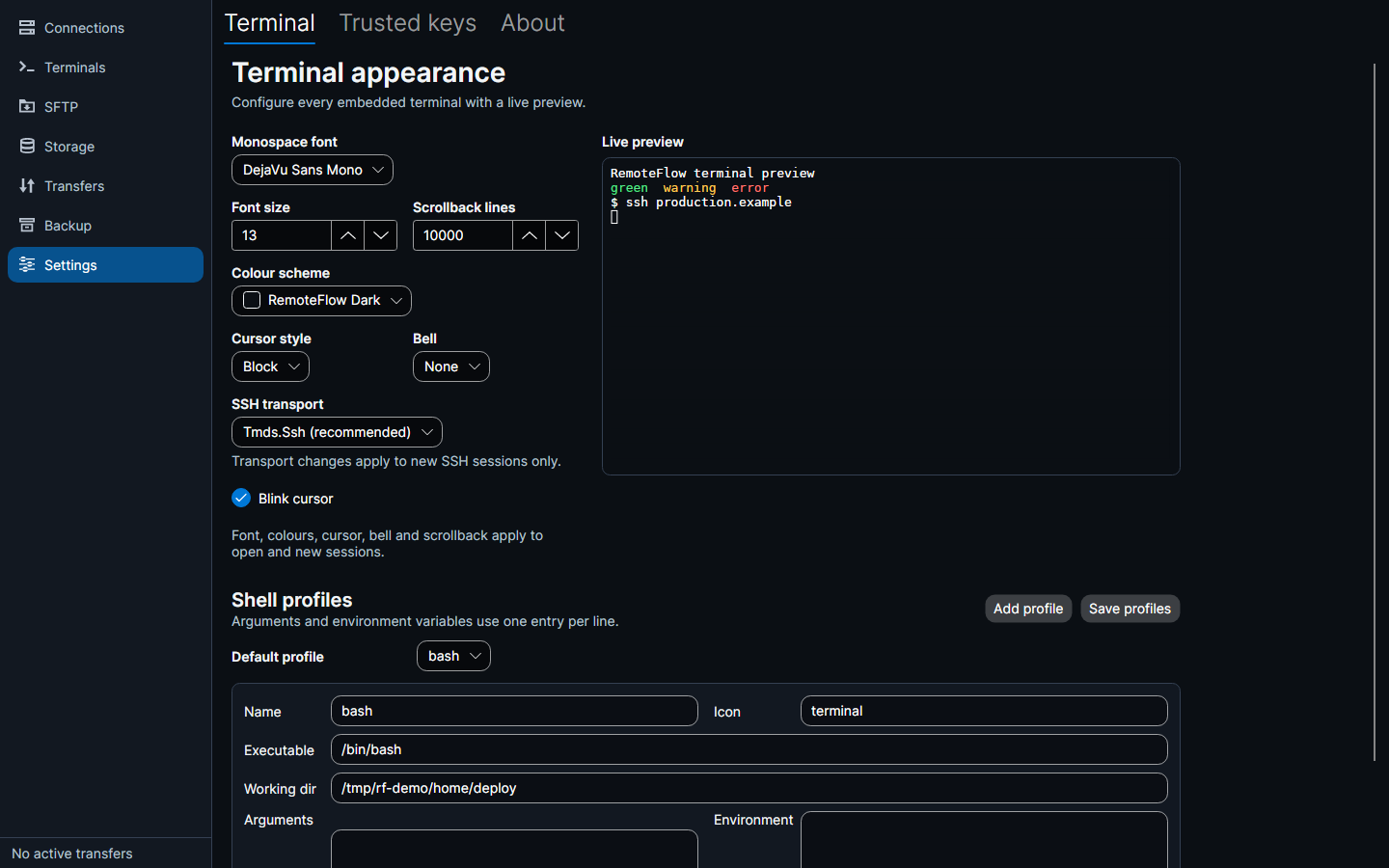
Scrollback (default 10,000 lines), font, font size, colour scheme, cursor style, blink and bell.
- Shell profiles
Named profiles with an executable, arguments, working directory and environment variables; one is the default for new local terminals. On Linux and macOS a new terminal starts your shell, with your prompt, aliases and colours.
- Open in system terminal
Hands a connection to your usual terminal application instead.
- Closing is guarded
Closing a tab or the window with live sessions asks first.
Sessions and tabs
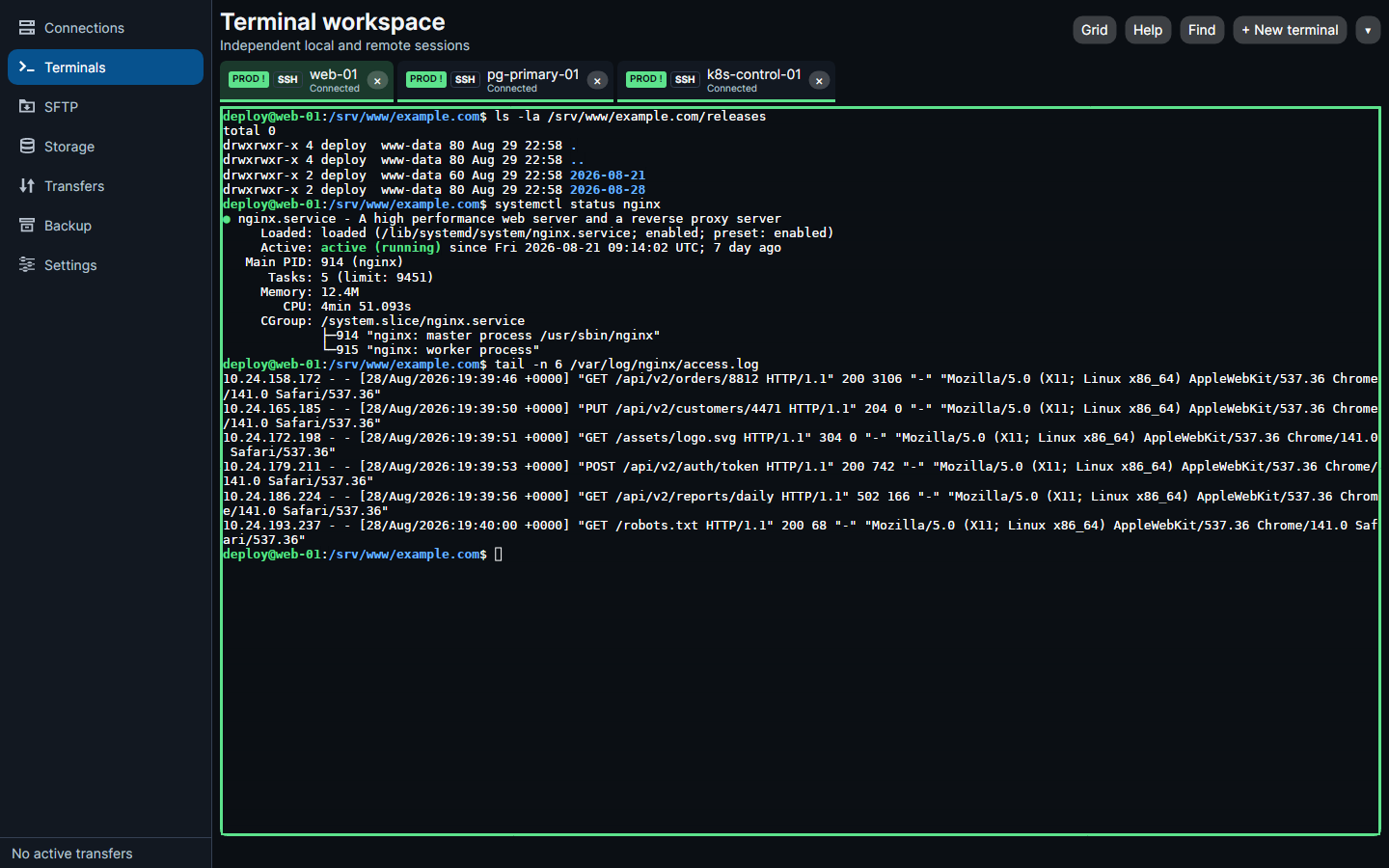
ls, systemctl status, a tail of nginx logs — over a real PTY.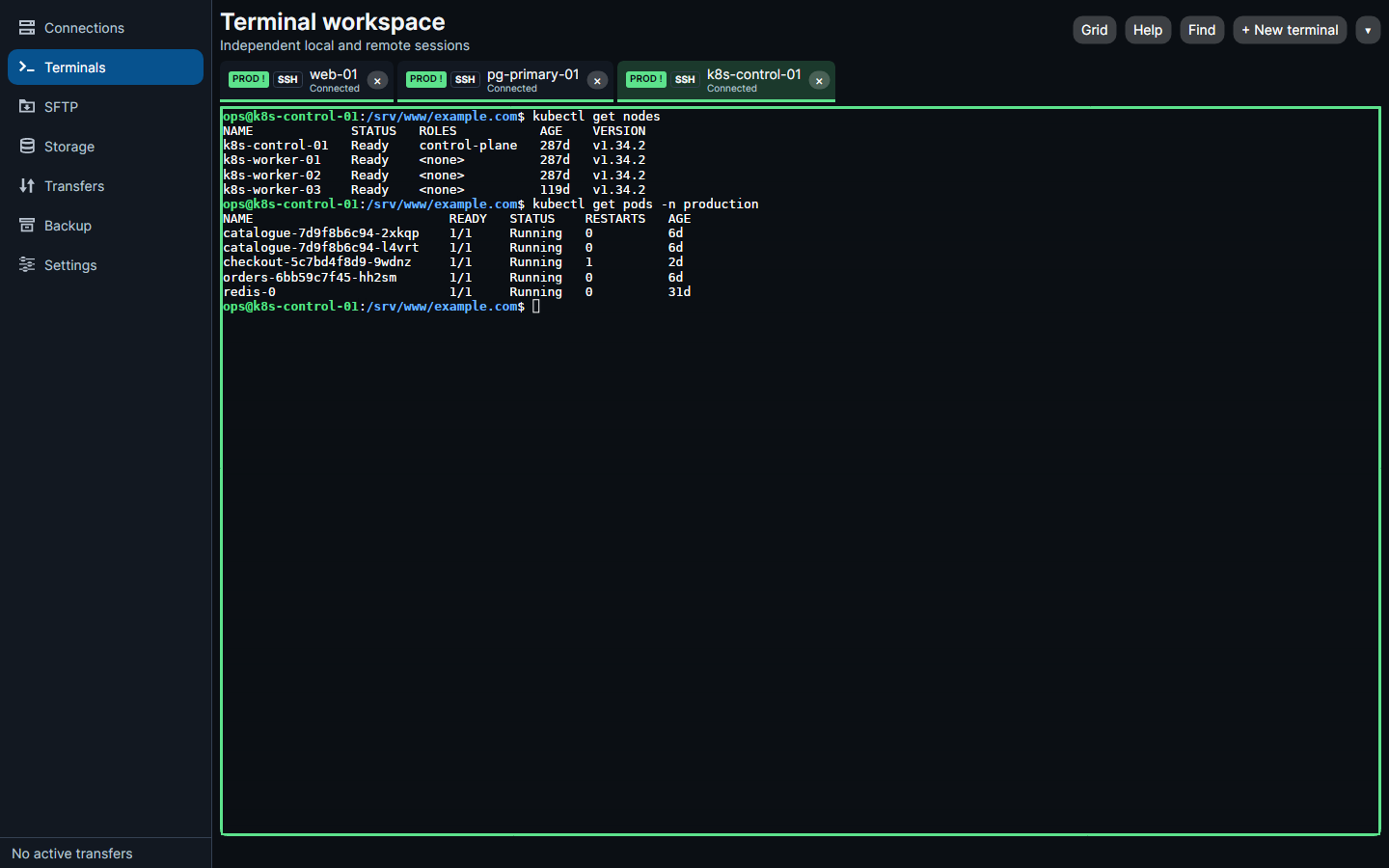
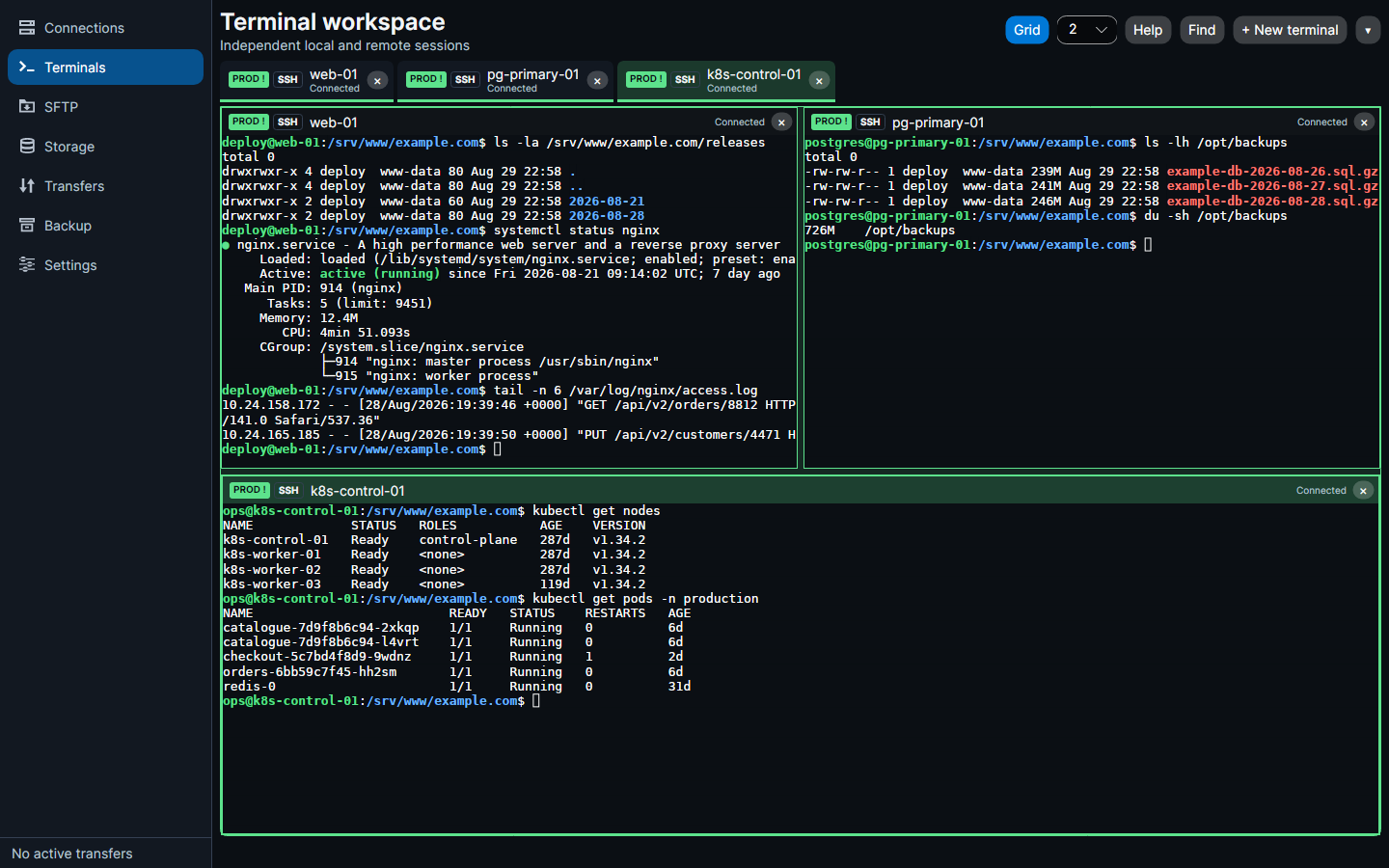
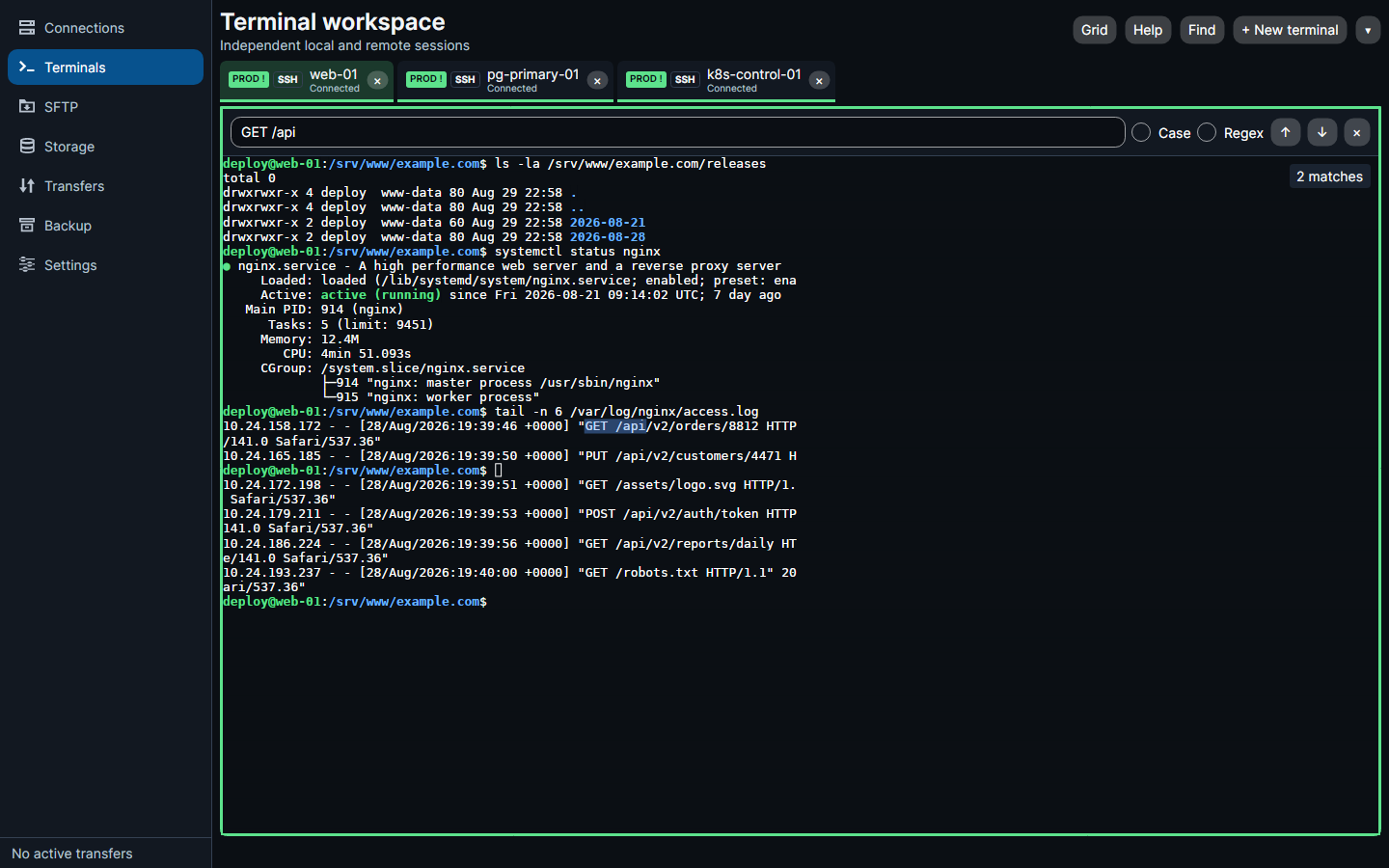
Terminal settings with a live preview
Every binding is listed in the application and documented on the keyboard page.